Getting Started
Who is Gee?
Gee (short for Getgee) is the AI built directly into GOALS by Splurjj. You'll find Gee's icon as the floating chat button on every app page, inside the Getgee drawer menu, and right next to every message in your conversation with Getgee AI. Tap the Gee icon anytime to open the chat and talk through a goal, log something you did, or ask a question — nothing to install, nothing extra to set up.
Tip You can always get back to Gee from the Getgee AI floating button (bottom-right on every screen) or from the hamburger menu inside the chat panel.
Recognize the Face
Gee's Expressions
Gee's face changes depending on what's happening in your conversation — it's a quick visual cue for what Gee is doing for you in that moment.
Ready to Help
Gee's everyday look — shown for regular replies, plans, and answers. This is the face you'll see most often throughout the app.
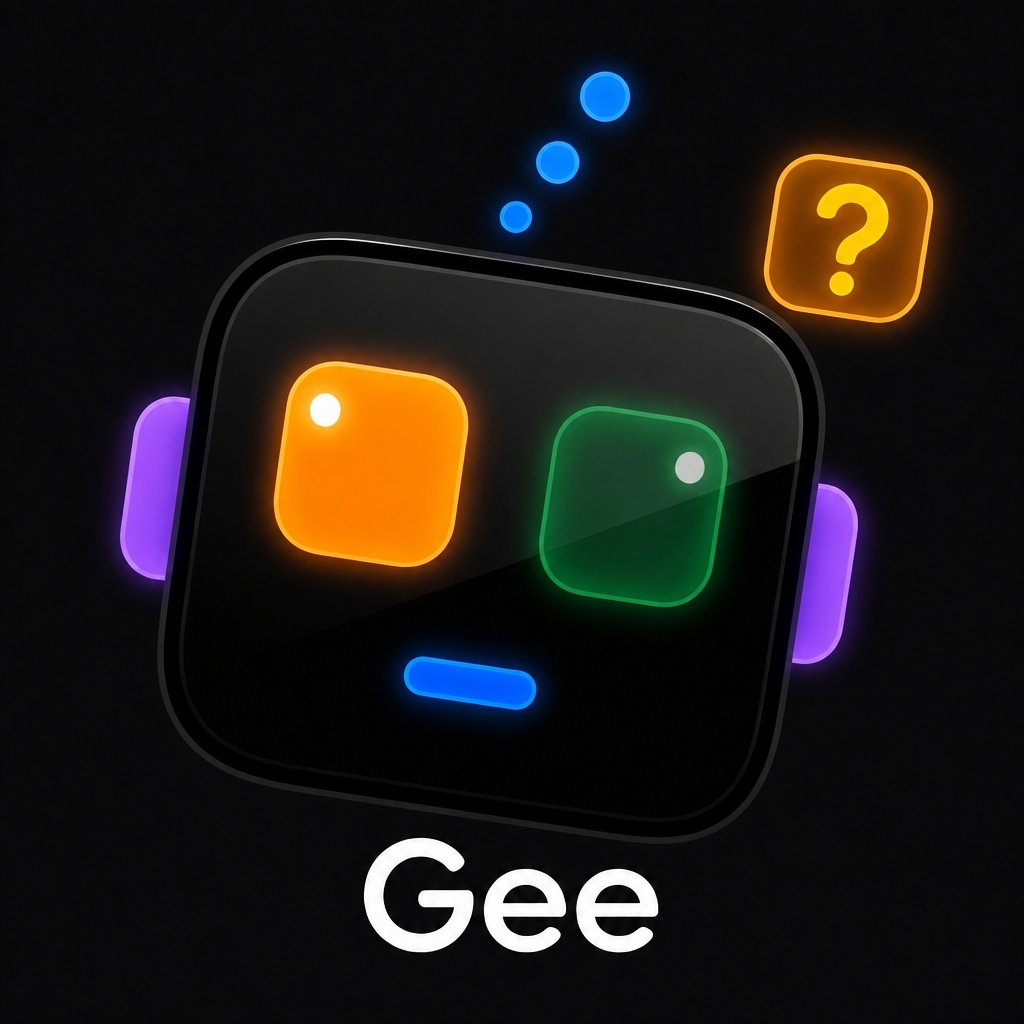
Working It Out
Gee shows this face while building out a goal's milestones and tasks, generating a response, or when your request needs a little more detail to act on.
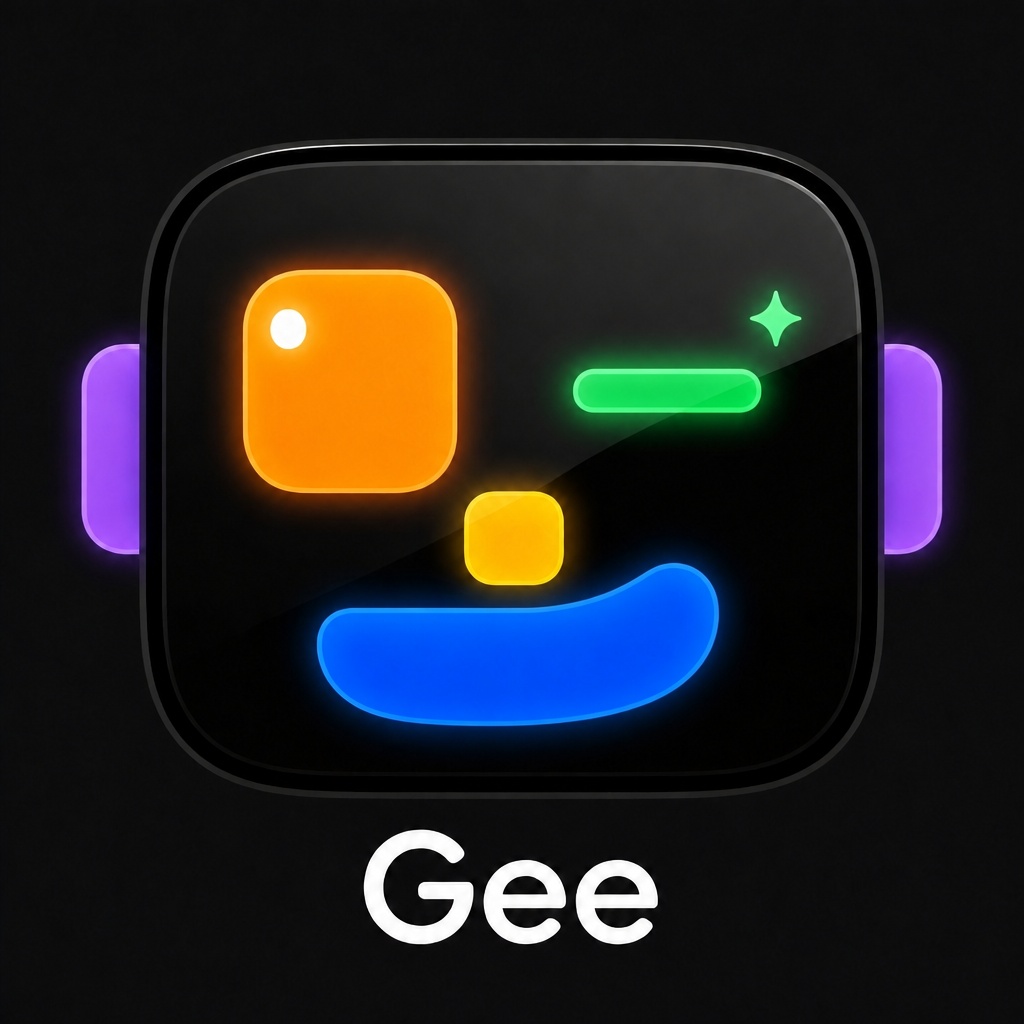
Nice Work
A playful wink for those "I can tell you did something good" moments — like when Gee already senses you finished a goal and just needs you to confirm which one.
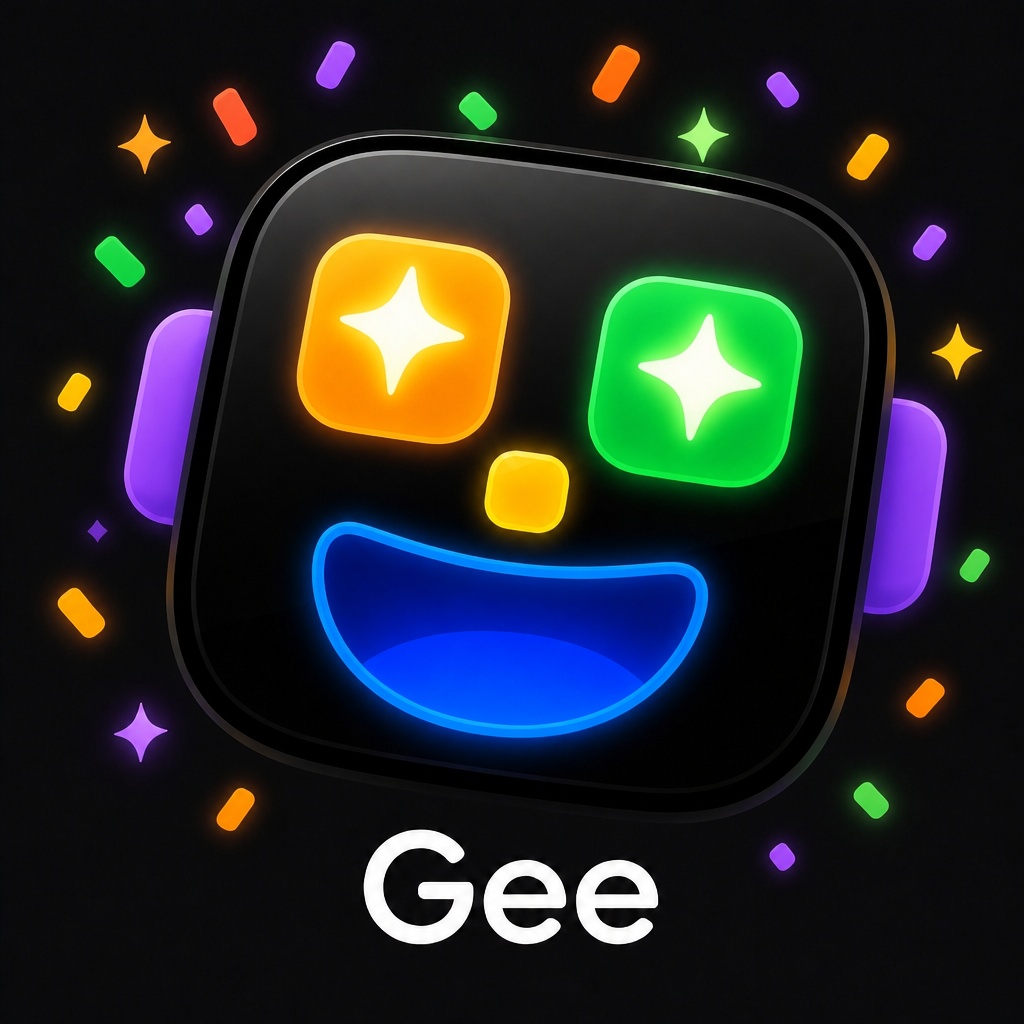
You Did It!
Gee's biggest reaction, reserved for real wins — shown the moment you mark a goal 100% complete, right alongside a congratulations message.
Talk to Getgee
What Can Gee Do For You?
Everything with Gee happens through plain conversation — just type like you would to a person. A few examples of what you can say:
Plan a New Goal
"I want to run a 10k in 3 months" — Gee turns it into a full goal with milestones, daily actions, and a first move to take today.
Log a Meal or Workout
"I had a chicken salad and a protein shake" or "Bench press 135lbs, 10 reps, 3 sets" — Gee logs the macros or workout straight to your Health tab. You can even say "log this for yesterday" and Gee will save it under the right day.
Mark a Goal Complete
"I finished my reading goal" — Gee marks it 100% done, confirms your streak, and celebrates with you.
Track Steps, Sleep & Weight
"Log 8,000 steps" or "I slept 7.5 hours" — quick one-line health logging without leaving the chat.
Get a Weekly Audit
Ask Gee how your week is going for an honest, data-backed look at your real progress — not a generic pep talk.
Answer Any Question
Gee isn't limited to goals — ask it anything, anytime, and it'll give you the best answer it can.
In the App
Where You'll See Gee
- Floating Chat Button — bottom-right corner of every app page. Tap it to open Getgee AI.
- Getgee Drawer — open the hamburger menu inside the chat panel for Plan My Goal, Talk to Getgee, Weekly Audit, Commitments, Gee & You, and Getgee Settings.
- Chat Messages — Gee's avatar sits next to every reply, switching expressions based on what's happening.
- App Icon — Gee's face is now the GOALS app icon and favicon across the entire site.